


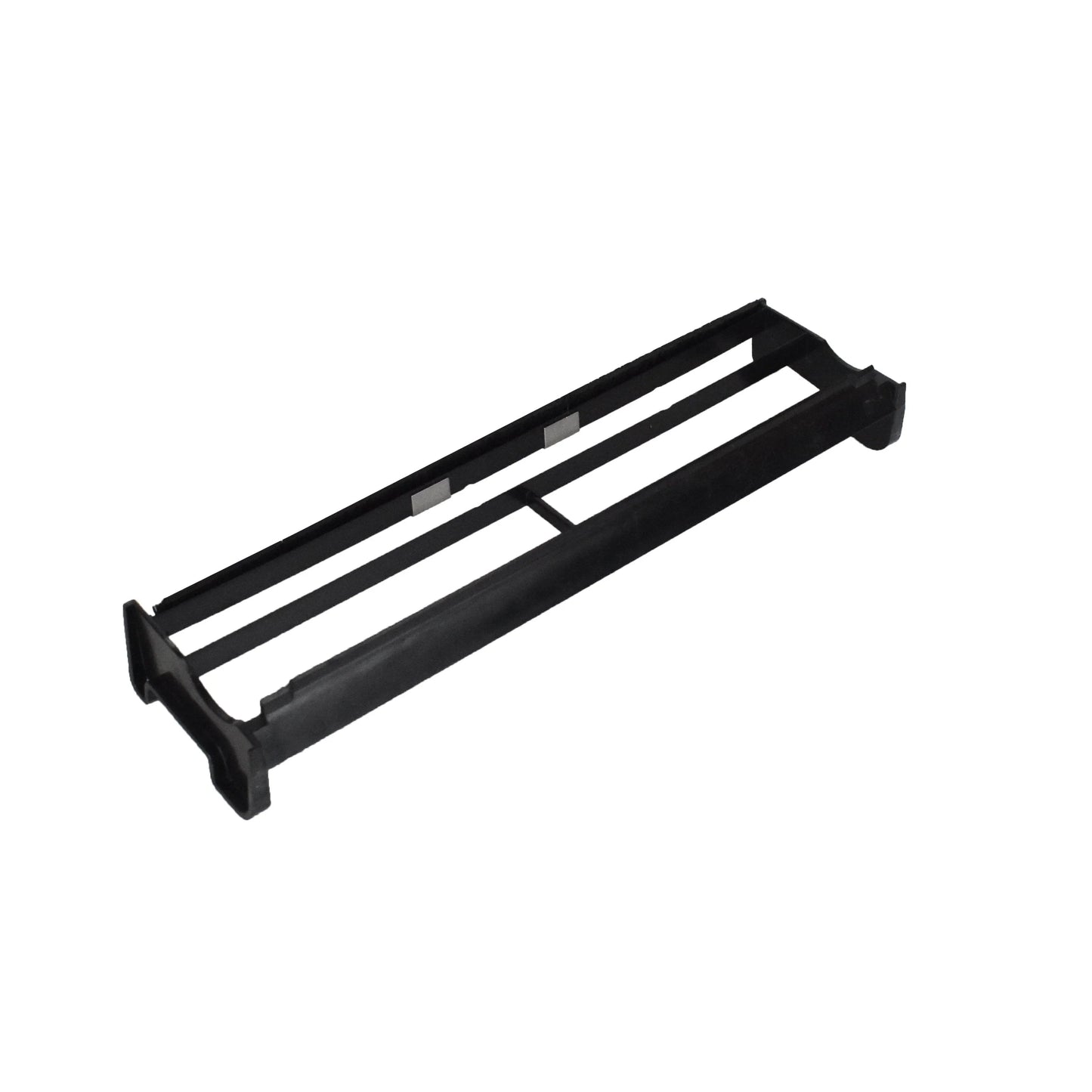
Complete Self-Cleaning Assembly with Scraper and Brush
The Oase Biotec Screenmatic 18k / 24k / 38k screen scraper assembly includes both the scraper blade and brush that continuously sweep debris off the motorised fabric screen. This is the component that makes Screenmatic filters "self-cleaning" — without it, debris builds up on the screen, water flow drops, and manual cleaning intervals shorten dramatically.
Restore Automated Cleaning
When the brush bristles wear flat or the scraper blade chips, debris remains on the screen surface and restricts water flow. The complete assembly replaces both components at once, ensuring the scraper and brush work together at the correct angle and pressure. This restores full automated cleaning performance.
| Specification | Details |
|---|---|
| Compatible Models | Biotec Screenmatic 18000, 24000, 38000 |
| Contents | Scraper blade + brush assembly |
| Type | OEM self-cleaning assembly |
Installation
Open the filter and remove the screen assembly. Detach the old scraper and brush from the motor drive shaft. Attach the new assembly, ensuring the scraper blade contacts the screen fabric without excessive pressure. Reinstall the screen assembly and run a full cleaning cycle to confirm smooth, quiet operation.
Ideal for Screenmatic filter owners who notice debris accumulating on the screen despite the motor running, or who hear grinding or stalling during cleaning.